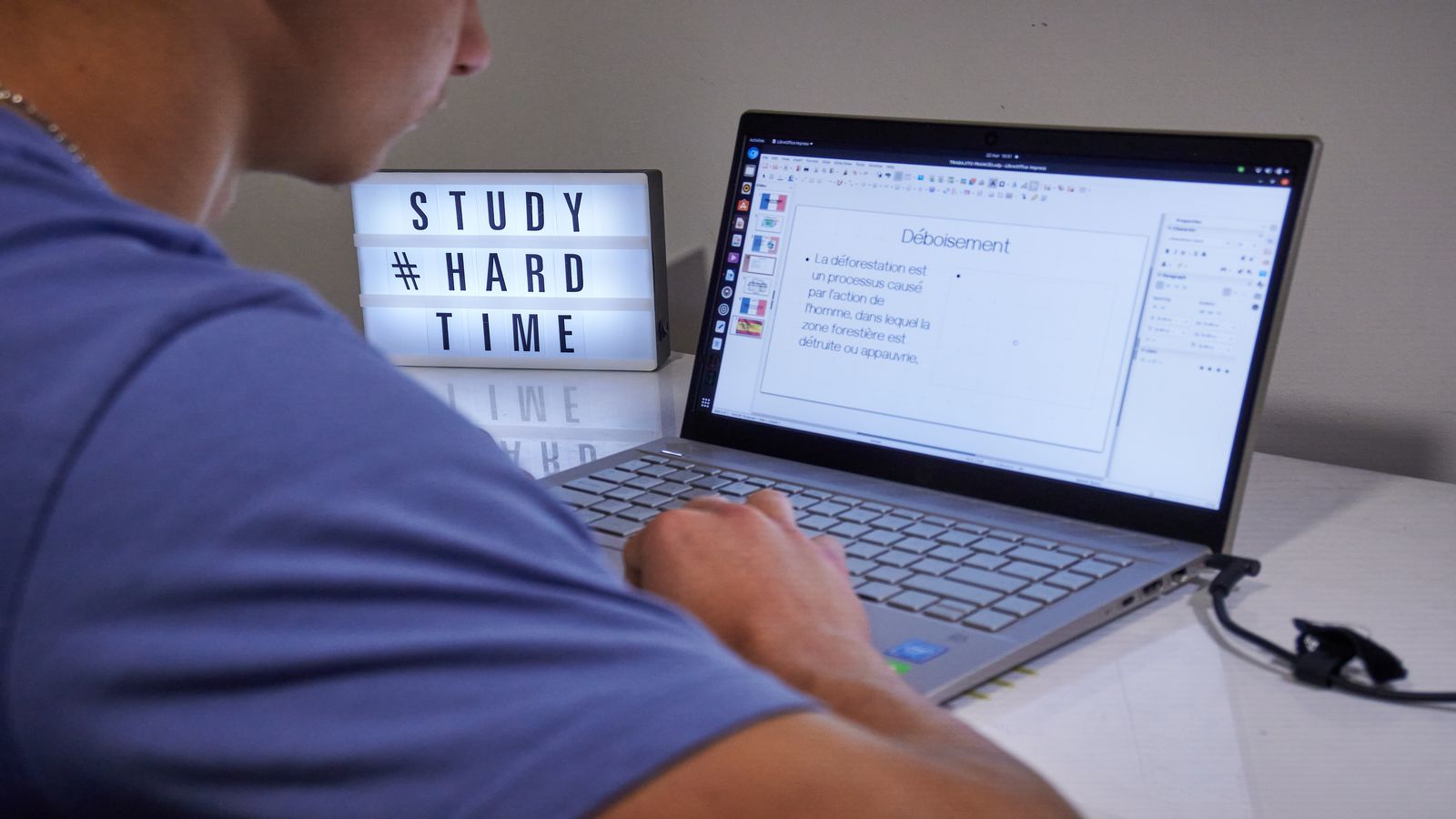
Digital exams are no longer a pilot programme — they're arriving in GCSE and A-Level assessments across multiple subjects. Whether it's on-screen multiple choice, typed extended responses, or mixed-media questions that include video clips and interactive diagrams, the format of what you're being tested on is changing. The knowledge is the same. But the skills you need to demonstrate that knowledge are shifting, and students who prepare only for paper-based exams are at a disadvantage when they sit in front of a screen.
This guide covers what digital exams actually look like in 2026, the practical skills you need to perform well on screen, how to adapt your revision strategy for digital formats, and common pitfalls that catch unprepared students. If you're also working on handwriting speed for subjects that still use paper exams, this guide covers the digital side of the equation.
What's changing in 2026
The current state
Exam boards are at different stages of digital adoption. Some subjects now offer fully digital assessments. Others use a hybrid model: typed answers for essays, on-screen reading passages, and interactive elements for science and maths questions — but with paper still available for certain components.
What this means for you: check your specific exam board and subject to understand exactly which components will be digital. Don't assume all your exams are digital, and don't assume they're all paper. The mix varies.
Why it matters for your preparation
The content being tested hasn't changed. You still need to know the material, construct arguments, and apply knowledge. But the medium changes how you interact with questions, manage your time, and present your answers.
Students who practise only on paper and then sit a digital exam report:
- Slower reading speed on screen (15–25% slower for most people)
- Difficulty navigating between questions and source material
- Uncertainty about how to format typed extended responses
- Unfamiliarity with the exam platform's tools and features
- Fatigue from screen-based sustained reading
All of these are solvable with specific preparation.
Digital exam skills
Screen reading efficiency
Reading on screen is different from reading on paper. Research consistently shows that most people read 15–25% slower on screen and retain slightly less, particularly for complex, detailed texts.
How to improve:
- Practise screen reading daily. Read articles, textbook chapters, and past papers on screen rather than printing them. Build the habit.
- Use a pointer. Move your cursor or finger along the line you're reading. This reduces regression (re-reading the same line) and increases reading speed.
- Adjust display settings. Increase font size slightly if the platform allows it. Ensure brightness and contrast are comfortable. Dark text on a light background is typically easiest for sustained reading.
- Take active notes while reading. Jot key points on paper as you read on screen. The act of noting engages deeper processing and compensates for the screen-reading retention gap.
Typing under exam conditions
If your exam includes typed extended responses (essays, explanations, analyses), your typing speed and accuracy directly affect your performance. A student who types 60 words per minute can produce twice as much content as one who types 30 — assuming equal thinking time.
How to prepare:
- Know your typing speed. Test yourself and track improvement. See our guide on typing faster without looking for technique and practice methods.
- Practise timed essay typing. Set a timer for the exam duration and type a practice answer. This builds the muscle of composing and typing simultaneously under time pressure.
- Learn basic formatting shortcuts. Bold (Ctrl+B), italic (Ctrl+I), undo (Ctrl+Z). These save seconds that compound over a multi-hour exam.
- Draft structure first. Type a brief plan (numbered bullet points) at the top of your answer, then write the full response below. This mirrors the plan-then-write approach of paper exams.
Navigation and platform familiarity
Digital exams run on specific platforms. Each platform has its own interface for navigating questions, flagging items for review, accessing source material, and submitting answers.
How to prepare:
- Use practice platforms. Most exam boards provide sample digital exams or platform demos. Complete at least two full practice sessions using the actual platform before the real exam.
- Learn the flag/bookmark system. Know how to mark questions for later review without losing your place.
- Understand the split-screen view. Many digital exams show source material on one side and the answer space on the other. Practise reading and writing in this layout.
- Know the submission process. Understand how to save, review, and submit your answers. Accidentally exiting or failing to submit is the digital equivalent of forgetting to hand in your paper.
Mixed-media questions
Some digital exams include elements that paper exams can't: embedded video clips, audio recordings, interactive diagrams, drag-and-drop activities, and data tables you can sort or filter.
How to prepare:
- Familiarise yourself with the question types. Review past digital papers or specimen papers that include mixed-media elements.
- Practise extracting information from video. Watch a clip once, note the key points, then answer questions about it — without rewatching. Some exams limit replays.
- For interactive diagrams: practise manipulating similar tools before the exam. If a science exam uses virtual graph-drawing tools, spend time using those specific tools in practice mode.
Adapting your revision strategy
The revision-format match
Your revision should match the exam format. If the exam is on screen, revise on screen. If it includes typed answers, practise typing answers. This isn't just about content — it's about building procedural fluency with the format itself.
| Exam component | Revision activity |
|---|---|
| On-screen reading passages | Read practice texts on screen and answer comprehension questions |
| Typed essay responses | Write timed practice essays by typing, not handwriting |
| Interactive science questions | Use the exam board's practice platform or similar simulations |
| Multiple-choice on screen | Complete practice MCQs on screen, not printed on paper |
| Mixed media (video/audio) | Practise answering questions based on video clips |
Spaced digital practice
Don't cram all your digital practice into the week before the exam. Spread it across your revision period:
- 8+ weeks before: Familiarise yourself with the platform. Complete one practice paper in full.
- 4–8 weeks before: Integrate digital practice into your weekly revision. One digital practice session per week alongside your regular revision.
- 2–4 weeks before: Increase frequency. Simulate full exam conditions: timed, on screen, no notes.
- Final week: One final full simulation. Focus on timing and technique, not learning new content.
The hybrid revision plan
Many students will have some digital exams and some paper exams in the same sitting period. Your revision plan needs to accommodate both:
- Morning session: Content revision (applies to both formats — reading, note-making, active recall)
- Afternoon session: Format-specific practice (alternate between digital practice and handwritten practice depending on which exam is next)
Physical preparation for digital exams
Eye strain management
Hours of screen-based testing causes eye strain. Prepare your eyes:
- 20-20-20 rule during revision: Every 20 minutes, look at something 20 feet away for 20 seconds. Build this habit now so it's automatic during the exam.
- Adjust screen brightness to match room lighting. Too bright or too dim increases strain.
- If you wear glasses, check they're clean and your prescription is current. An out-of-date prescription makes screen reading significantly harder.
Ergonomics
In the exam hall, you may not control the desk setup. But you can:
- Practise in a similar setup. Revise at a desk with a keyboard and screen at standard height, not on a sofa with a laptop on your knees.
- Adjust your chair if possible in the exam room. Your eyes should be level with the top third of the screen.
Bring what you need
Check your exam's equipment policy:
- Some digital exams still allow scratch paper for planning and calculations
- Some provide an on-screen notepad tool
- Know whether you need to bring your own device or use provided equipment
- Bring a bottle of water — screen-based focus is dehydrating
Do this today
- [ ] Check which of your upcoming exams will be digital, paper, or hybrid
- [ ] Visit your exam board's website and download any practice digital exam platforms or specimen papers
- [ ] Test your typing speed — if it's below 40 words per minute, start daily practice using our typing guide
- [ ] Complete one practice question set on screen (not printed) to experience the format difference
- [ ] Set up the 20-20-20 rule during your next screen-based revision session
Common mistakes
"I'll figure out the platform on exam day." No. Platform unfamiliarity wastes time and increases anxiety. Use every practice opportunity the exam board provides.
"I type fast enough." Fast enough for messaging isn't fast enough for essay writing under time pressure. Timed essay typing is a specific skill that needs specific practice.
"Digital exams are easier because you can edit." Editing is an advantage, but it can also become a trap. Students spend too long revising typed text instead of moving forward. Write your answer, review it once, and move on — just like paper.
"I'll revise on paper and it'll transfer." Content knowledge transfers. Format skills do not. Reading speed, screen navigation, typed composition, and digital time management all need separate practice.
Frequently asked questions
What happens if the technology fails during my exam?
Exam boards have contingency protocols. Typically, the exam is paused, your work is saved automatically, and the clock stops until the issue is resolved. Know your exam centre's specific procedures — ask before exam day.
Are digital exams harder than paper exams?
The content difficulty is identical. But unfamiliarity with the format can make them feel harder. Students who prepare specifically for digital format report equivalent or better performance compared to paper. Preparation eliminates the format disadvantage.
Should I type or handwrite my revision notes?
For the notes themselves, handwriting may produce better retention (the "pen advantage" for encoding). But your exam practice should match the exam format. So: handwrite notes for learning, but type practice answers if the exam is typed.
Will all exams be digital eventually?
The trajectory points that direction, but the transition is gradual. Some subjects (especially those requiring diagrams, calculations, or handwritten working) will retain paper components for longer. Stay informed about your specific exam board's plans.