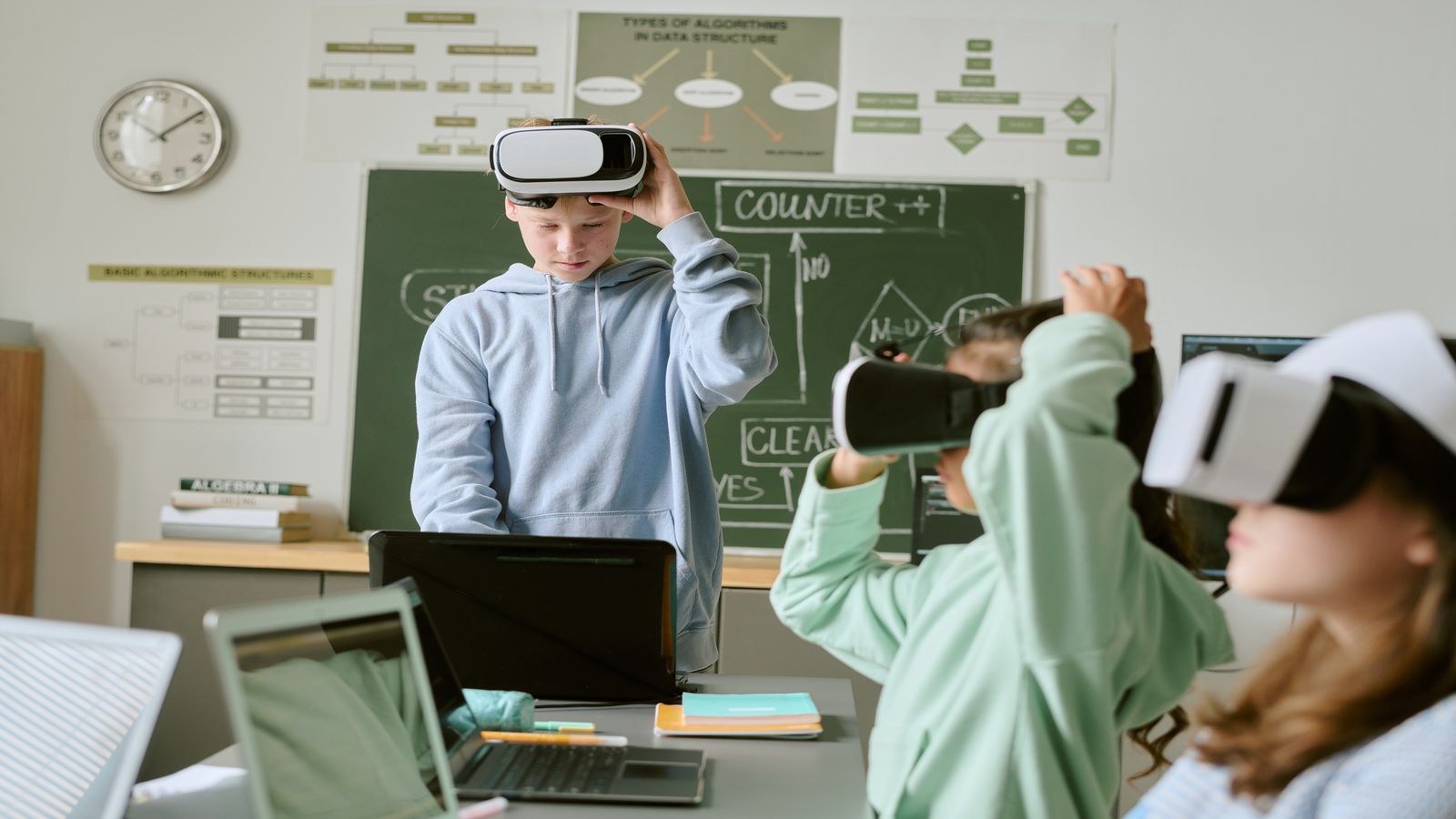
Reading a textbook about how enzymes work is one level of learning. Manipulating a virtual simulation where you change enzyme concentration and observe the reaction rate in real time is a different level entirely. Interactive and immersive learning tools turn passive consumption into active experimentation, and the research is clear: engagement drives retention.
This guide covers how to find and use interactive study resources effectively, where simulations genuinely help versus where they're just entertainment dressed as education, and how to integrate these tools into a study routine that produces results. You'll learn to evaluate immersive tools critically, avoid the novelty trap, and combine interactive methods with the proven techniques that build lasting knowledge. If you're working on strengthening your memory, see our guide on memorisation techniques.
Why interactive learning works
The encoding advantage
When you interact with material — making decisions, manipulating variables, solving problems in real time — you create richer memory traces than when you passively read the same information. This is called the "generation effect": information you generate or discover through action is remembered better than information you receive passively.
Simulations also activate multiple cognitive channels simultaneously: visual processing (seeing the model), motor processing (clicking, dragging, adjusting), and analytical processing (predicting outcomes, interpreting results). Multi-channel encoding creates more retrieval pathways, which means you're more likely to recall the information when you need it.
The feedback loop
Good interactive tools provide immediate feedback. You change a variable, and you see the result instantly. This tight feedback loop is far more efficient than the traditional cycle of study → submit → wait for marking → read comments. Immediate feedback allows you to correct misconceptions in the moment, before they solidify.
The motivation factor
Let's be honest: interactive tools are more engaging than textbooks. That engagement isn't superficial — it sustains focus for longer periods and reduces the activation energy needed to start a study session. If you dread opening your notes but look forward to running a simulation, you'll study more consistently. Consistency compounds.
Where simulations add genuine value
Not every subject benefits equally from interactive tools. They're most powerful where:
Processes and systems
Any subject involving dynamic processes benefits from simulation. Chemistry reactions, ecosystem dynamics, circuit design, economic models, population genetics — these are systems where changing inputs produces different outputs, and understanding the relationships matters more than memorising individual facts.
Spatial and visual concepts
Anatomy, geometry, geography, architectural design, molecular biology — subjects where three-dimensional understanding matters. Rotating a 3D model of a molecule teaches spatial relationships that a flat diagram cannot.
Risk-free experimentation
Simulations let you fail without consequences. You can crash a virtual economy, overdose a virtual patient, or short-circuit a virtual power grid — and learn from the failure without real-world damage. This safe-failure environment encourages experimentation that builds deeper understanding.
Procedural skills
Step-by-step procedures — laboratory techniques, coding, mathematical proofs, diagnostic workflows — benefit from interactive practice where you execute each step and see whether it leads to the correct outcome.
The novelty trap
Here's the risk: interactive tools feel productive even when they aren't. Spending an hour exploring a physics simulation is engaging, but if you can't explain the underlying principles afterwards, the engagement was entertainment, not learning.
How to avoid the trap:
- Set a learning goal before opening the tool. Not "play with the simulation" but "understand how changing X affects Y."
- After the session, do the blank-page test. Close the tool and write down what you learned. If you can't articulate it, the session was exploratory but not educational.
- Limit exploration time. Give yourself 20–30 minutes with an interactive tool, then switch to active recall or practice questions on the same topic. The simulation introduces the concept; retrieval practice cements it.
- Don't replace fundamentals. Simulations are a supplement, not a substitute. You still need to read, take notes, and test yourself. Interactive tools work best as one component of a broader study system.
How to find quality interactive resources
University-provided tools
Check your institution's virtual learning environment first. Many universities subscribe to simulation platforms and make them available to students at no additional cost. If you're not sure what's available, ask your subject librarian or module leader.
Open educational resources
Several major projects make high-quality interactive tools available for free:
- University physics, chemistry, biology, and maths departments often publish open-access simulations on their websites
- Open-source coding environments let you practice programming with immediate output
- Virtual lab platforms offer simulated laboratory experiments for science students
Subject-specific platforms
For professional and vocational subjects, industry-specific training platforms sometimes offer student access:
- Medical students: virtual patient simulations and anatomy tools
- Engineering students: circuit and structural modelling tools
- Business students: market simulation and strategy games
Evaluation criteria
Before investing time in any interactive tool, check:
| Criterion | What to look for |
|---|---|
| Curriculum alignment | Does this cover your actual syllabus content, not a different country's or level's? |
| Pedagogical design | Does it require you to think (good) or just click through a predetermined path (less useful)? |
| Assessment integration | Can you export results, generate practice questions, or verify your understanding? |
| Accessibility | Does it work on your device and browser without special plugins? |
| Time investment | Can you get meaningful learning from a 20-minute session, or does it require hours to reach useful content? |
Integrating interactive tools into your study routine
The sandwich method
Use interactive tools in a three-part sandwich:
- Bread: Read the relevant textbook section or lecture notes first (10–15 minutes). This gives you the conceptual framework.
- Filling: Use the interactive tool to explore, experiment, and test the concepts in action (20–30 minutes). This deepens understanding through active engagement.
- Bread: Close everything and test yourself — blank-page test, practice questions, or explain-it-out-loud (10–15 minutes). This locks the learning into long-term memory via retrieval practice.
Total time: about one hour. The interactive element is contained within a structure that ensures the learning sticks.
Weekly integration
Don't use interactive tools every session. Reserve them for topics that genuinely benefit from simulation — processes, systems, spatial concepts. For fact-heavy topics (dates, definitions, vocabulary), traditional spaced repetition is more effective.
A reasonable weekly split:
- 3–4 sessions: Traditional study (reading, notes, flashcards, practice questions)
- 1–2 sessions: Interactive/simulation-enhanced study using the sandwich method
- 1 session: Review and self-testing across all topics
Beyond simulations: real-world application
The most powerful form of immersive learning doesn't involve technology at all — it involves applying knowledge to real problems.
Teach it
Explaining a concept to someone else forces you to organise, simplify, and find gaps in your understanding. Find a study partner and take turns teaching each other topics. The "student" asks questions; the "teacher" must respond without notes.
Build something
For any skill-based subject, create a project that uses the knowledge:
- Learning statistics? Analyse a real dataset about something you're interested in.
- Learning a language? Write a short story or have a conversation.
- Learning history? Write an essay from a different historical perspective.
- Learning coding? Build a small tool that solves a problem you actually have.
Connect to current events
Link abstract concepts to current events or personal experiences. "How does this economic principle explain what's happening in [current event]?" or "How does this biology concept relate to [personal health decision]?" Connection to the real world creates context, and context strengthens memory.
Do this today
- [ ] Identify one topic you're currently studying that involves processes, systems, or spatial concepts
- [ ] Find one free interactive tool related to that topic (start with your university's resources)
- [ ] Try the sandwich method: read first, interact second, self-test third
- [ ] After the session, do the blank-page test — write everything you learned without notes
- [ ] Decide: was the interactive tool more effective than reading alone for this topic? Log the answer
Common mistakes
"I spent two hours on the simulation, so I studied well." Time in a simulation isn't automatically study time. If you were clicking randomly without engaging analytically, the learning value was minimal. Always pair interactive tools with self-testing.
"Interactive tools replace textbooks." They complement textbooks. Simulations help you understand how things work. Textbooks provide the detailed terminology, nuance, and context that simulations compress. You need both.
"If it's not immersive, it's not effective." Most effective study techniques — flashcards, practice tests, summarisation — aren't immersive at all. They're effective because they force retrieval, not because they're engaging. Don't mistake engagement for effectiveness.
"I need VR to do immersive learning." No. A well-designed 2D simulation, a spreadsheet model, or a real-world application exercise can be more educationally valuable than a flashy VR experience. The technology is secondary to the pedagogy.
Frequently asked questions
Are virtual labs as good as real labs?
For conceptual understanding, virtual labs can be excellent. For developing physical laboratory skills (pipetting, measuring, equipment handling), they're limited. If your course includes assessed lab work, use virtual labs for preparation and concept reinforcement, but don't skip the real lab time.
How do I know if a simulation is accurate?
Check if it's produced by an educational institution, a reputable publisher, or a known educational project. Cross-reference the simulation's results with your textbook's predictions. If they diverge significantly, the simulation may be simplified or inaccurate for your level.
Can I use interactive tools for revision, or only for initial learning?
Both. For revision, interactive tools help you re-engage with material actively rather than passively re-reading notes. The key is combining interaction with self-testing — don't just run the simulation again; test yourself on the principles it demonstrates.
Do interactive tools help with exam performance specifically?
They help with understanding and retention, which are prerequisites for exam performance. But exam performance also requires practice with the specific format, timing, and question types of your exam. Use interactive tools for learning and past papers for exam preparation. They serve different functions.